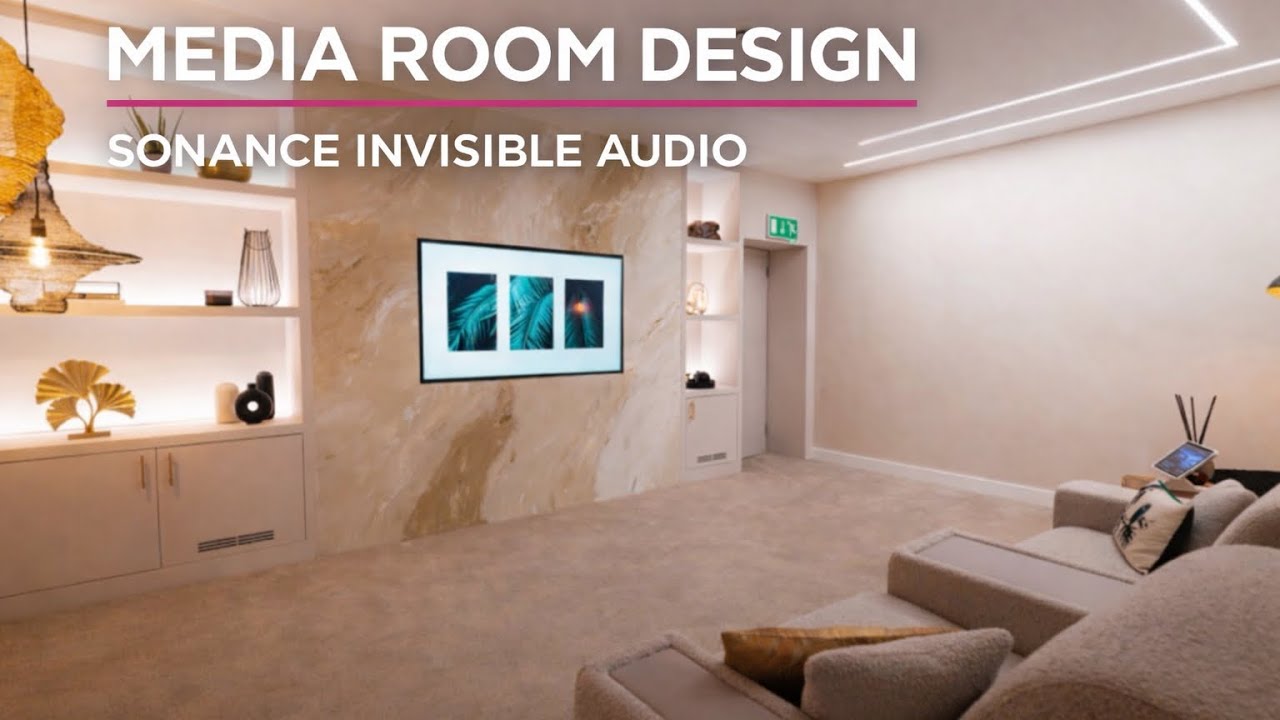
Of all the things that affect your home cinema's image quality — projector specification, screen gain, calibration — none is more immediately impactful than light control. And none is more often overlooked. Arthur from Zebra Home Cinema demonstrates in this straightforward video what every home cinema owner needs to understand: controlling ambient light is not just beneficial, it is the single most transformative thing you can do for picture quality before spending a penny on equipment.
The Demonstration
Arthur runs two side-by-side demonstrations: one with a television display, one with a 4K projector.
Television: Contrast and Colour
Starting with a television showing content from SAS: Who Dares Wins, the impact of closing the blinds is immediate. Even with some residual ambient mood lighting remaining, the contrast ratio visibly increases and the colours become more saturated. Reducing the mood lighting further improves the image again.
The principle is straightforward: television displays produce light by emitting it. Any competing ambient light source reduces the perceived contrast ratio between the darkest blacks the panel can produce and the brightest whites. Even a premium OLED television — with its near-infinite native contrast — loses apparent dynamic range in a bright room.
Projection: The Difference Is Dramatic
With projection, the effect is even more pronounced. A projector works by projecting light onto a surface. Any ambient light falling on that surface — sunlight through half-open blinds, for example — creates a uniform "grey floor" across the entire image. The projector's light competes with the ambient light for every pixel, not just the dark areas.
"When you look at the picture, it's very, very washed out. Let's see the difference when we completely control the light in the room."
Arthur's demonstration uses Once Upon a Time in Hollywood on Ultra HD Blu-ray — a disc with excellent colour grading and HDR mastering. With blinds half-open and ambient daylight present, the image is pale and washed out despite the disc's quality. With the blinds fully closed, the image is dramatically richer: brighter highlights, deeper shadows, more saturated colours.
Why Light Control Matters More Than Projector Specification
The principle is counterintuitive to many buyers: a projector with 1,500 lumens in a perfectly darkened room will produce a more satisfying image than a 4,000-lumen projector in a room with uncontrolled daylight.
| Scenario | Result |
|---|---|
| Budget projector + blackout blinds + dark room | Excellent contrast, rich colours, deep blacks |
| Premium projector + half-open blinds | Washed-out image, reduced contrast, pale colours |
| Premium projector + full light control | Reference-quality image as designed |
This is why professional home cinema installations always include automated blackout blinds or shutters as part of the specification. Not as an optional extra — as a fundamental requirement. The projector or screen you choose only delivers its full capability when the light environment allows it.
Practical Recommendations
For television rooms:
- ▪Avoid placing a television opposite a window, or in a position where daylight falls directly on the screen surface
- ▪Use blackout or dim-out blinds/curtains that can be fully deployed for serious viewing
- ▪Recessed or indirect lighting is preferable to ceiling spotlights that create glare on the screen
For projection rooms:
- ▪Full blackout is not always necessary, but control is essential. Even 80% light reduction transforms the image
- ▪Motorised blackout blinds or roller shutters, controlled through an automation system (Control4, Loxone, etc.) allow the room to transform instantly between "lounge" and "cinema" modes
- ▪Never install a projector in a room where daytime viewing is required without addressing the light control first
Key Takeaways
- ▪Ambient light is the single most impactful factor affecting projected and television image quality — more than projector resolution, brightness, or screen specification
- ▪Closing blinds in a television room immediately and visibly improves contrast and colour saturation
- ▪For projection, the improvement is dramatic: a washed-out, pale image becomes rich, bright, and deeply contrasted simply by controlling the ambient light
- ▪No amount of projector specification compensates for uncontrolled light — a modest projector in a dark room outperforms a premium projector in an untreated room
- ▪Professional cinema installations always specify motorised blackout blinds or shutters as a fundamental element, not an optional extra
Frequently Asked Questions
How much does ambient light affect projector image quality?
Ambient light is the primary factor affecting projector image quality. A projector works by reflecting light off a screen surface — any ambient light falling on that surface reduces the perceived contrast ratio and "washes out" the image. Even partial daylight entering through half-open blinds can reduce a reference-quality projected image to a pale, low-contrast picture. Full blackout can transform the same projector into a spectacular display.
Do I need blackout blinds for a home cinema projector?
Yes — blackout blinds or shutters are essential for a projection system, especially if the room receives any natural daylight during viewing hours. Motorised blinds, integrated with a home automation system, allow the room to switch between open and cinema mode at the touch of a button. This is a standard specification element in any professional home cinema installation.
Does ambient light affect OLED televisions as much as projectors?
OLED televisions are less affected by ambient light than projectors, because they emit their own light rather than reflecting it. However, ambient light still reduces perceived contrast ratio and colour saturation — especially in dark scenes where the OLED's near-perfect black levels are an advantage. For the best OLED performance, controlling room lighting remains important, even if less critical than for projection.
What is the best lighting setup for a home cinema or media room?
The ideal home cinema lighting setup includes: motorised blackout blinds or shutters for windows (automated if possible), dimmable warm-tone LED lighting at low levels for viewing (avoiding direct illumination of the screen surface), and no light sources positioned where they reflect in the screen. Smart lighting control systems allow all of this to be managed through a single interface or automated to trigger when the cinema mode activates.
Is a brighter projector always better?
Not necessarily. A higher-lumen projector is useful in rooms where full light control is not possible (e.g., a multipurpose living room), but in a dedicated cinema room with proper light control, a well-calibrated projector with moderate brightness often produces superior image quality to a high-brightness projector optimised for partial ambient light conditions. Calibration and light control together deliver far better results than simply buying a brighter projector and leaving the blinds open.